01
Photo storage
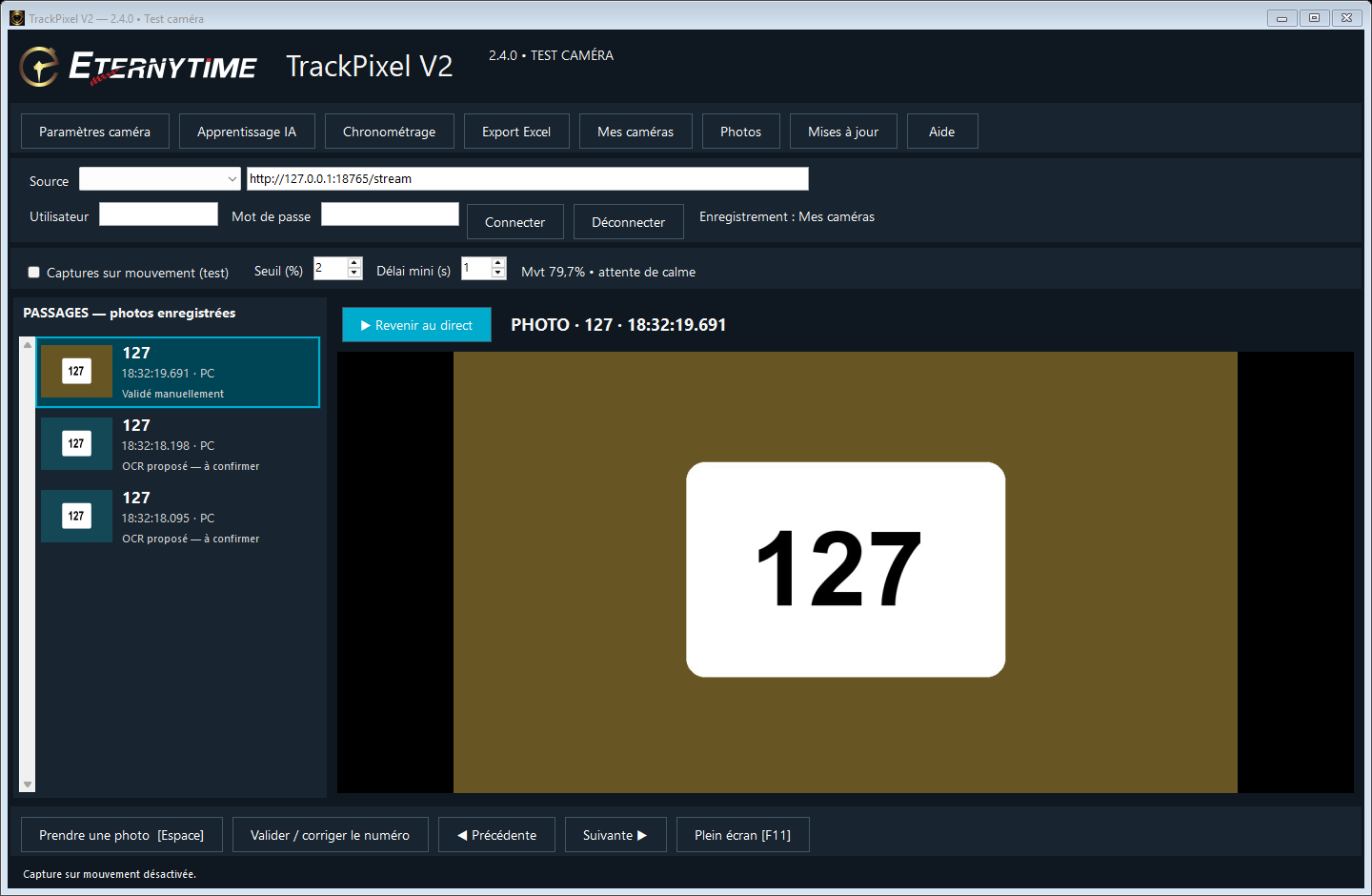
Since version 2.3.1, temporary motion-analysis images are deleted after each analysis. Triggered photos are kept even when no number is read. An OCR failure does not mean the image is empty.
Shadows, people and other false triggers can accumulate photos over several hours. Limit the detection area, raise the threshold if needed and enable “One photo per movement”. In a group start, several vehicles without a quiet interval may produce just one photo.
Free disk space is checked before every capture. Below 2 GB (2 GiB), captures stop with a message; live viewing remains available. Free up space, then enable motion capture again. Old photos are never deleted automatically. Other software can still fill the disk, and an abrupt shutdown may leave a temporary file.
The Photos button opens the image folder. Default data location: %LOCALAPPDATA%\Eternytime\TrackPixelV2. Back up useful photos before cleaning up: deleting a file makes that photo unavailable in the passage list.
02
Correct once. Share automatically.
- Confirm the number and its crop in one window. The correction enters local visual memory immediately, without Internet or a Train button. A number region with identical pixels can then be recalled. Moved, blurred or different plates still rely on OCR; memory does not guarantee recognition at the next passage.
- Save your community connection once and allow sharing. Authorised crops are then sent automatically without a second approval. Offline crops stay on the PC and uploads resume when the network returns, retrying about once per minute while TrackPixel is open. Full photos and camera credentials are not sent.
- With the camera disconnected and settings windows closed, TrackPixel automatically tries training when at least 30 examples are available and the dataset has changed. Diversity and evaluation requirements still apply. An insufficient model never replaces the active AI. Signed, evaluated community models are checked and activated automatically outside capture; a successful check is repeated after six hours.
03
Button guide
- Valider et mémoriser
- Confirm the number and its crop in one window. The correction enters local visual memory immediately, without Internet or a Train button. A number region with identical pixels can then be recalled. Moved, blurred or different plates still rely on OCR; memory does not guarantee recognition at the next passage.
- Synchroniser et améliorer automatiquement hors capture
- Save your community connection once and allow sharing. Authorised crops are then sent automatically without a second approval. Offline crops stay on the PC and uploads resume when the network returns, retrying about once per minute while TrackPixel is open. Full photos and camera credentials are not sent. With the camera disconnected and settings windows closed, TrackPixel automatically tries training when at least 30 examples are available and the dataset has changed. Diversity and evaluation requirements still apply. An insufficient model never replaces the active AI. Signed, evaluated community models are checked and activated automatically outside capture; a successful check is repeated after six hours.
- Afficher les outils avancés
- AI learning now shows My corrections and Connection and sharing. Validate and remember combines the number and crop. Advanced tools are hidden by default; reveal them for manual training, export, evaluation results or rollback. Sharing can be disabled. Deleting an example removes it from local memory immediately, but does not withdraw a contribution already received by the server.
04
Prepare your examples
Confirm the number and its crop in one window. The correction enters local visual memory immediately, without Internet or a Train button. A number region with identical pixels can then be recalled. Moved, blurred or different plates still rely on OCR; memory does not guarantee recognition at the next passage.
At least 30 validated crops from at least two genuinely separate sessions: 20 training images and 10 images from another session for testing. Every digit 0–9 must occur at least three times among usable training digits. Photos of 242 alone are not enough.
Activation requires at least 90% exact numbers on the test and an improvement of at least 2 percentage points over the previous engine. This does not guarantee performance at other races. An insufficient new AI model leaves the current engine unchanged.
AI learning now shows My corrections and Connection and sharing. Validate and remember combines the number and crop. Advanced tools are hidden by default; reveal them for manual training, export, evaluation results or rollback. Sharing can be disabled. Deleting an example removes it from local memory immediately, but does not withdraw a contribution already received by the server.
05
Community learning
Save your community connection once and allow sharing. Authorised crops are then sent automatically without a second approval. Offline crops stay on the PC and uploads resume when the network returns, retrying about once per minute while TrackPixel is open. Full photos and camera credentials are not sent. The server collects crops. Community computation runs on an open Eternytime Windows installation with an administrator key and its camera disconnected. It imports contributions, trains, evaluates and publishes only eligible improvements automatically. Web hosting alone does not train models: data waits if that installation is off. A new shared model is not guaranteed after every correction.