Elite v3 software
Race and championship management, starting grids, penalties, bonuses, cumulative standings and PDF / Excel exports.
 Elite V3 Guide
ETERNYTIME practical guide
A clear guide to configure Elite V3, time a sporting event with transponders or RFID chips, publish to ETERNYTIME LIVE and use broadcast, merge and championship modules.
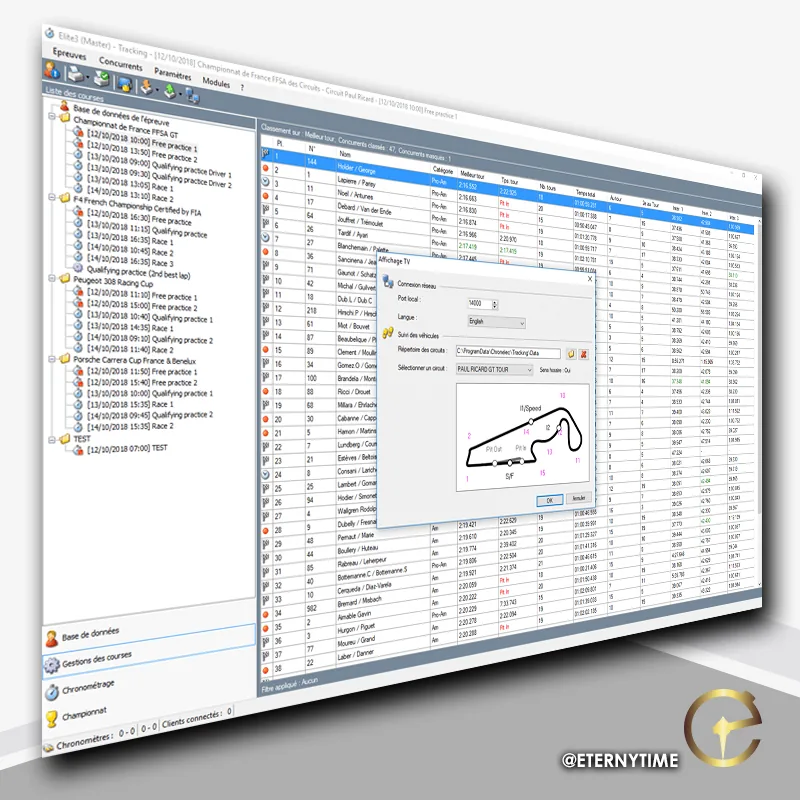
Elite V3 version alerts
Subscribe to be notified when CHRONELEC publishes a new Elite V3 version and when the ETERNYTIME guide is updated.
Software and hardware markers
This guide gathers the topics commonly searched around Elite v3 software: transponder timing, decoders, loops, photocells, race management, official results, TV display, LED panels and live publishing.
Race and championship management, starting grids, penalties, bonuses, cumulative standings and PDF / Excel exports.
Elite, LS, RF-I or RFID transponders depending on discipline, passing speed, passive loop or active loop.
Elite decoder, RF Elite, photocells, intermediates, PIT IN, PIT OUT, Joker loop, backup and time controls.
RemoteDisplay, TV graphics, LED display panels, Broadcast, Live Uploader and publication to ETERNYTIME LIVE.
Chapters 1 to 11
An ETERNYTIME synthesis of the essential Elite V3 manual chapters, from workstation requirements to print and display settings. Older items are updated with field practice and ETERNYTIME services.

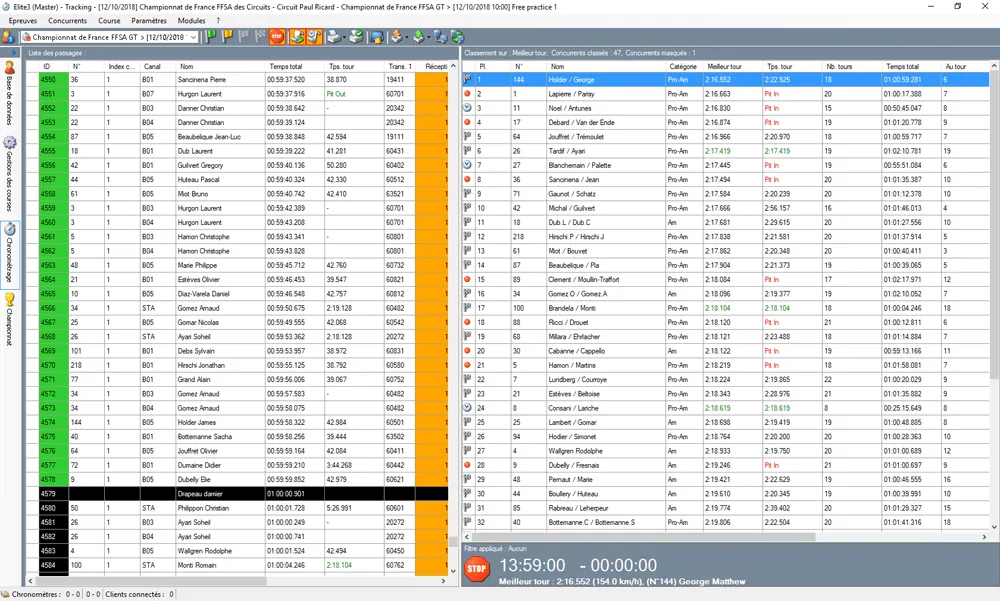
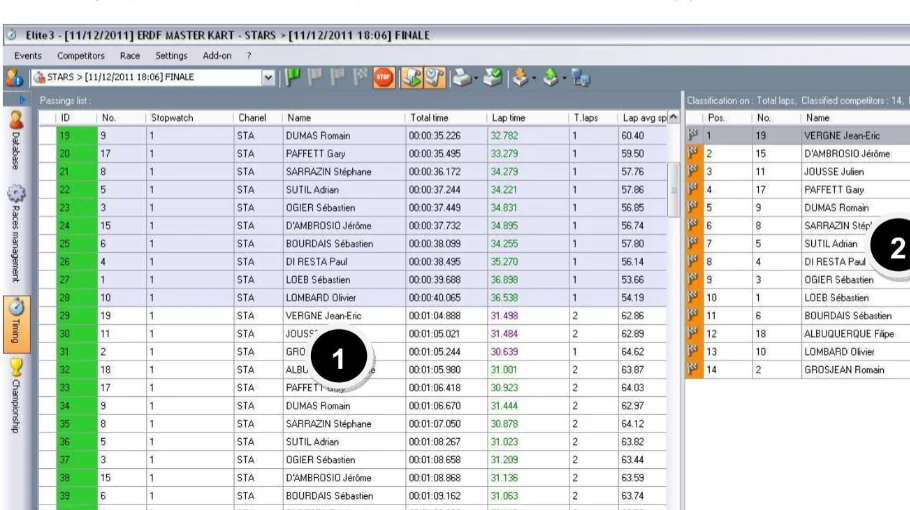
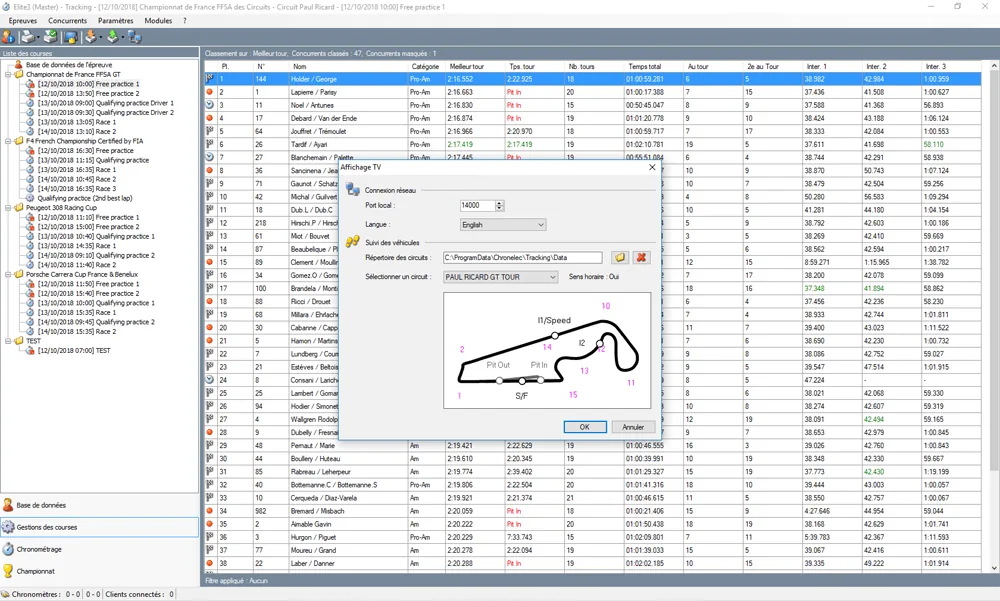
The Timing window is the screen to monitor during a race. Passings are listed on the left, live classification is displayed on the right, and the bottom area shows remaining laps, race time and best lap.
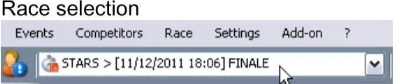
Écran de course. Select the active race before starting.
Drapeaux et arrêt. Green flag starts the race and decoder; no passings are recorded if the race is not started. Yellow flag marks Safety Car or neutralization. Red flag stops the race from a sporting point of view while passings remain recorded. Chequered flag manually finishes the race when the format is not already limited by laps or maximum time. Stop Race / Stop decoder displays a warning because transponders are no longer detected after the decoder stops. Flag changes and race information are listed with race time or time of day.
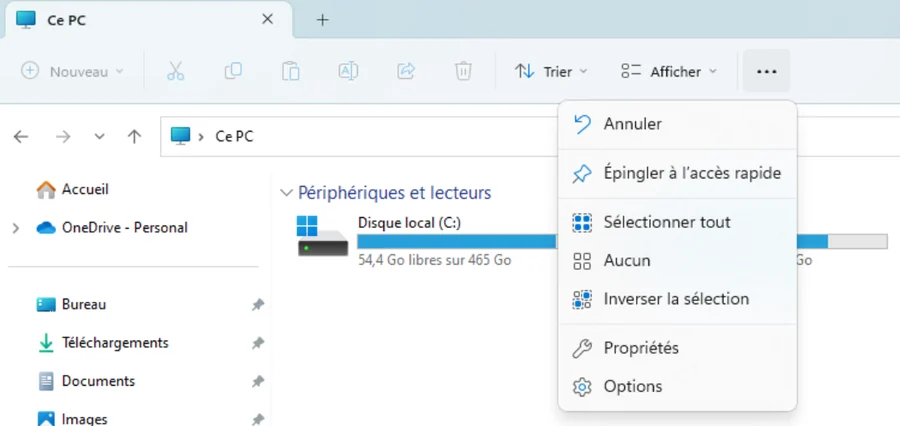
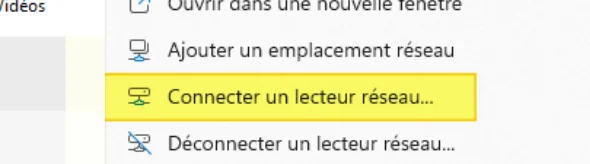
Import. Events or championships can be imported from an Elite file or network Data folder; existing local data may be replaced.

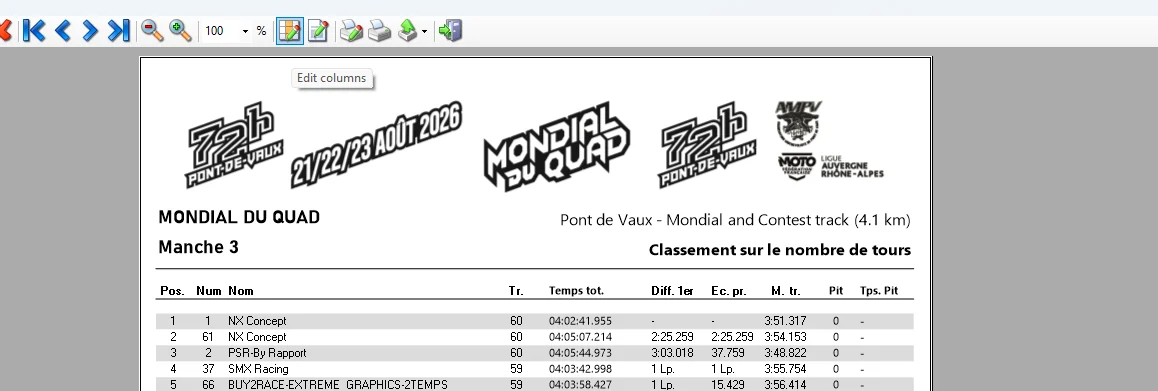
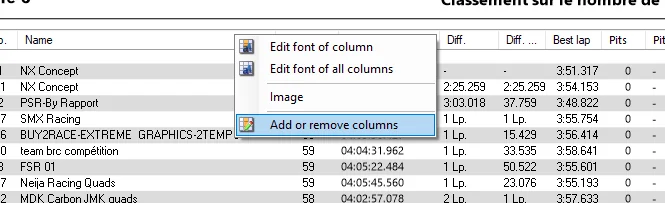
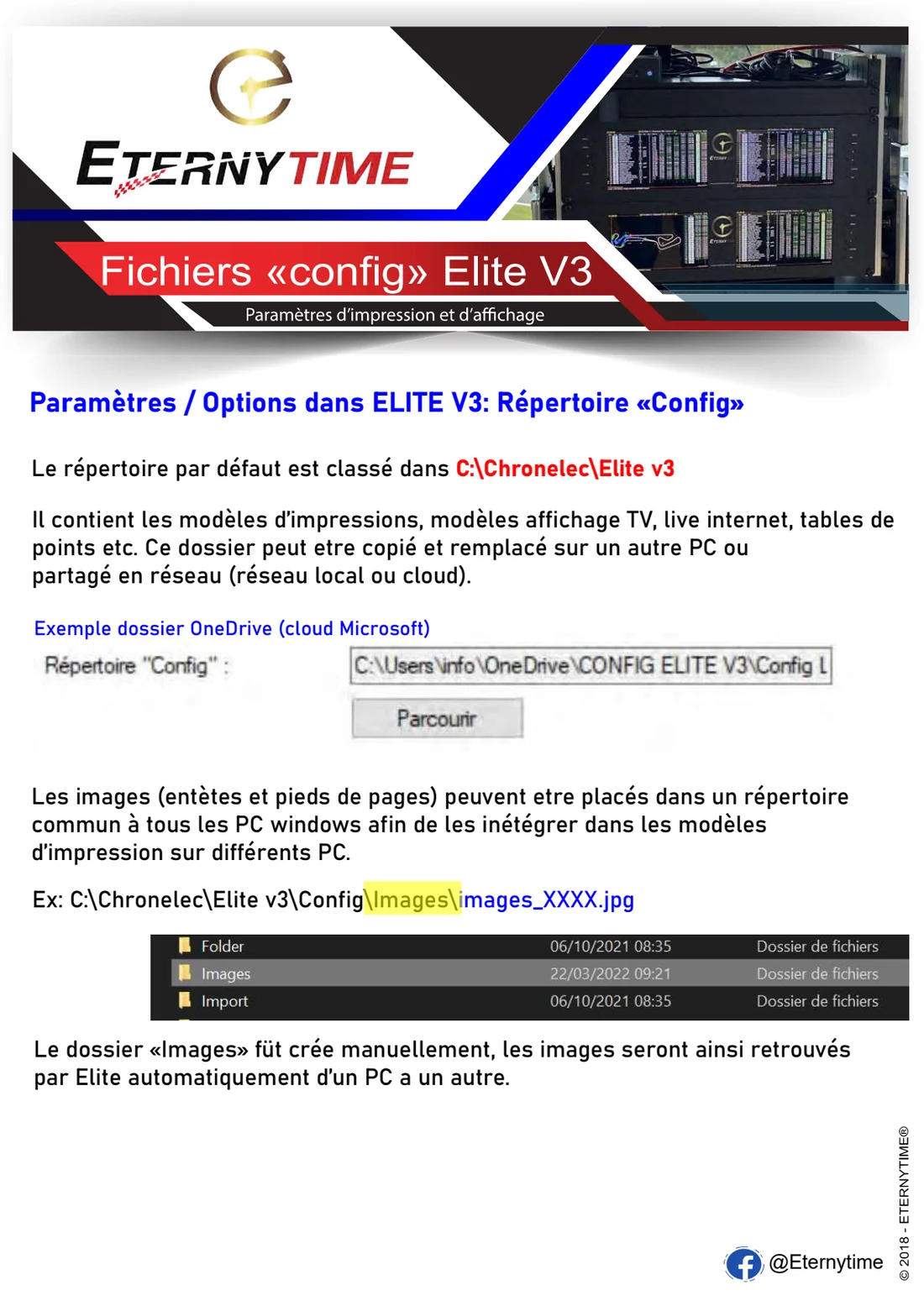
Main screen
The workspace brings together received detections, calculated standings and race status. Side panels let you switch between database, race management, timing and championship tools.
Competitors and transponders
A reliable race starts with a clean competitor database. Visible number, transponder ID, category and team must stay consistent between entries, timing and public results.
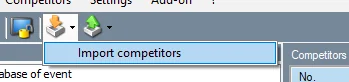
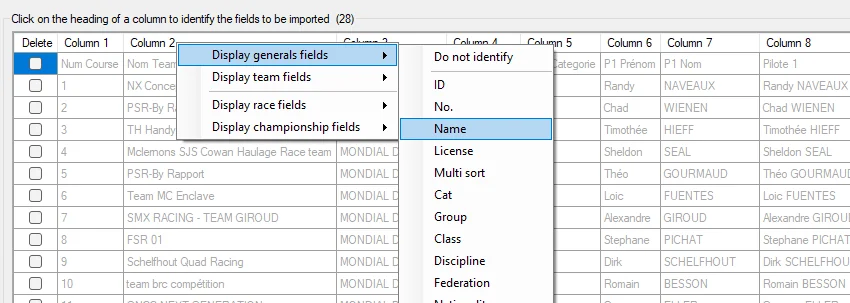
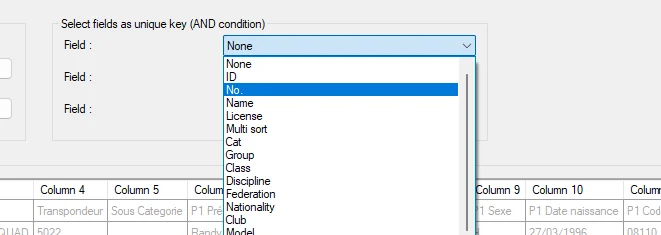
Import or update competitors from a file or entry source, then check critical columns before assigning them to the race.
Check transponder number, duplicates, unknown transponders and equipment changes before the start.
Keep a stable naming system for classes, groups and categories to obtain readable rankings and merges.
Edit the competitor record before final publication when a name, team or category is wrong.
Events, races, heats
Elite V3 can structure a full meeting: free practice, qualifying, heats, finals, endurance, merges and championship. In recent versions, quick race copy with Ctrl+W speeds up duplication of an already configured race.
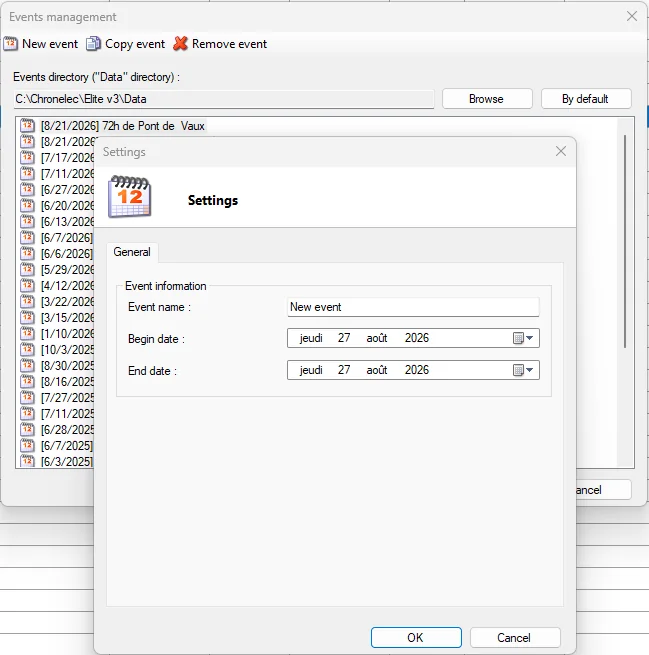
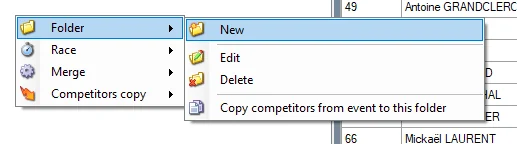
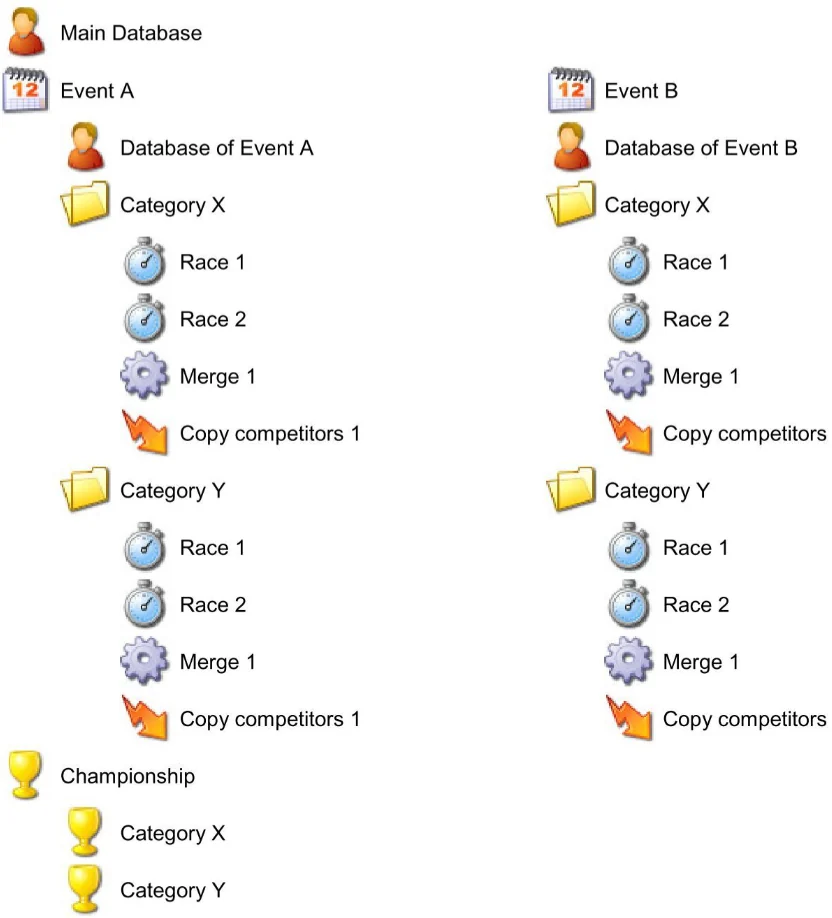
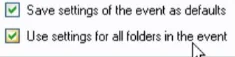
Elite V3 organizes a competition by levels. First create an event: it gathers all races from all categories. Then create folders, usually one folder per category or group when categories are not timed at the same time. Inside each folder, prepare races, merges and, when needed, competitor copies.
RFID, loops and photocells
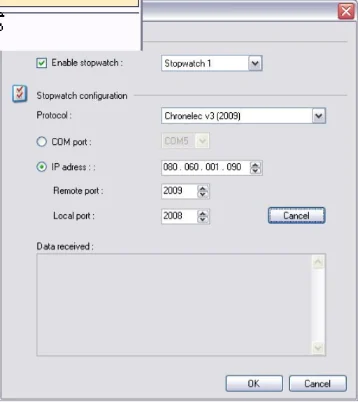
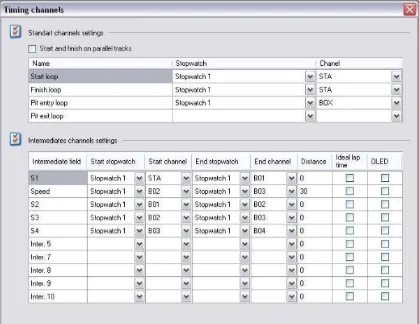
The timing menu connects Elite V3 to decoders, channels, loops and photocells. Channel configuration determines how a detection becomes a lap, split, pit entry, pit exit or Joker loop.
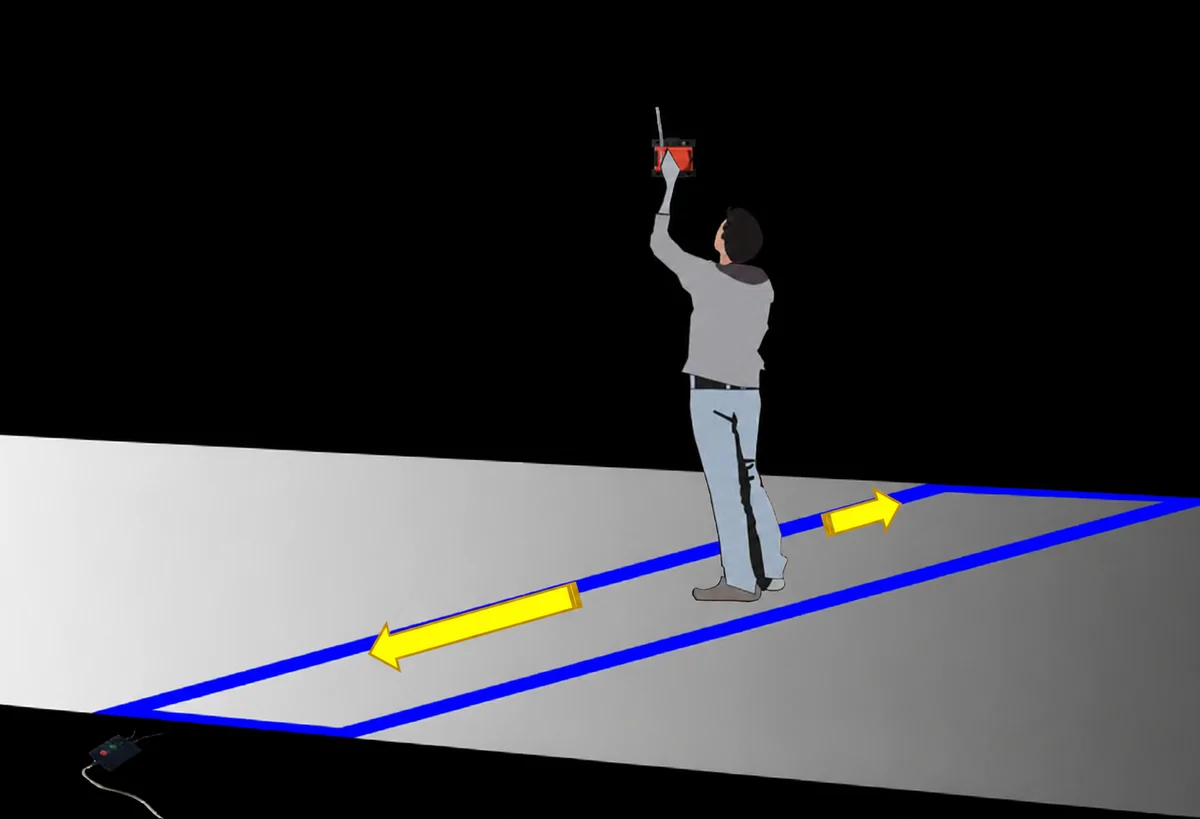
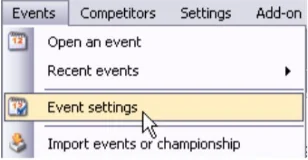
From Events > Event settings, open the timing channel settings to define the loops and channels used by Elite V3. This window lets you declare the start/finish loop, PIT/BOX entries or exits, intermediates, remote decoders and speed measurement zones.

LED display
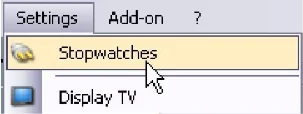
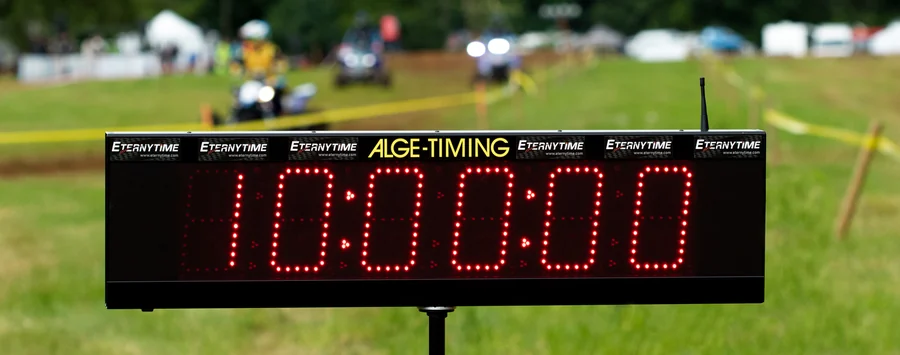
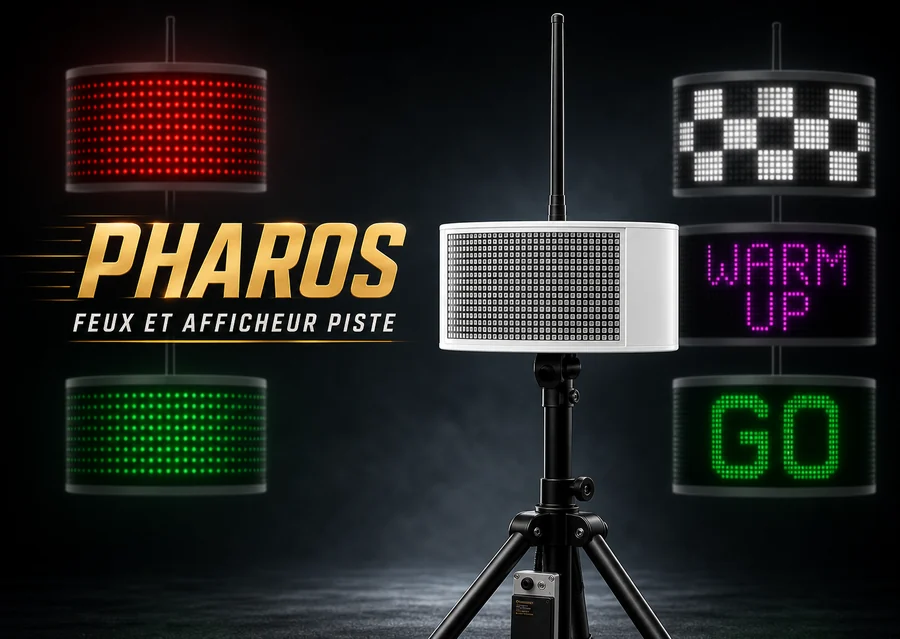
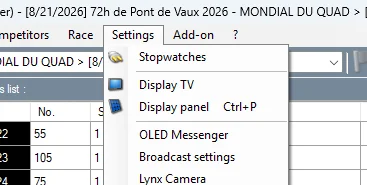
In Settings > Display panel, Elite V3 can drive an LED display panel such as the ALGE D-Line. Select the COM port used by the panel, usually through a radio link connected by USB to the timing computer.

live.eternytime.com solution
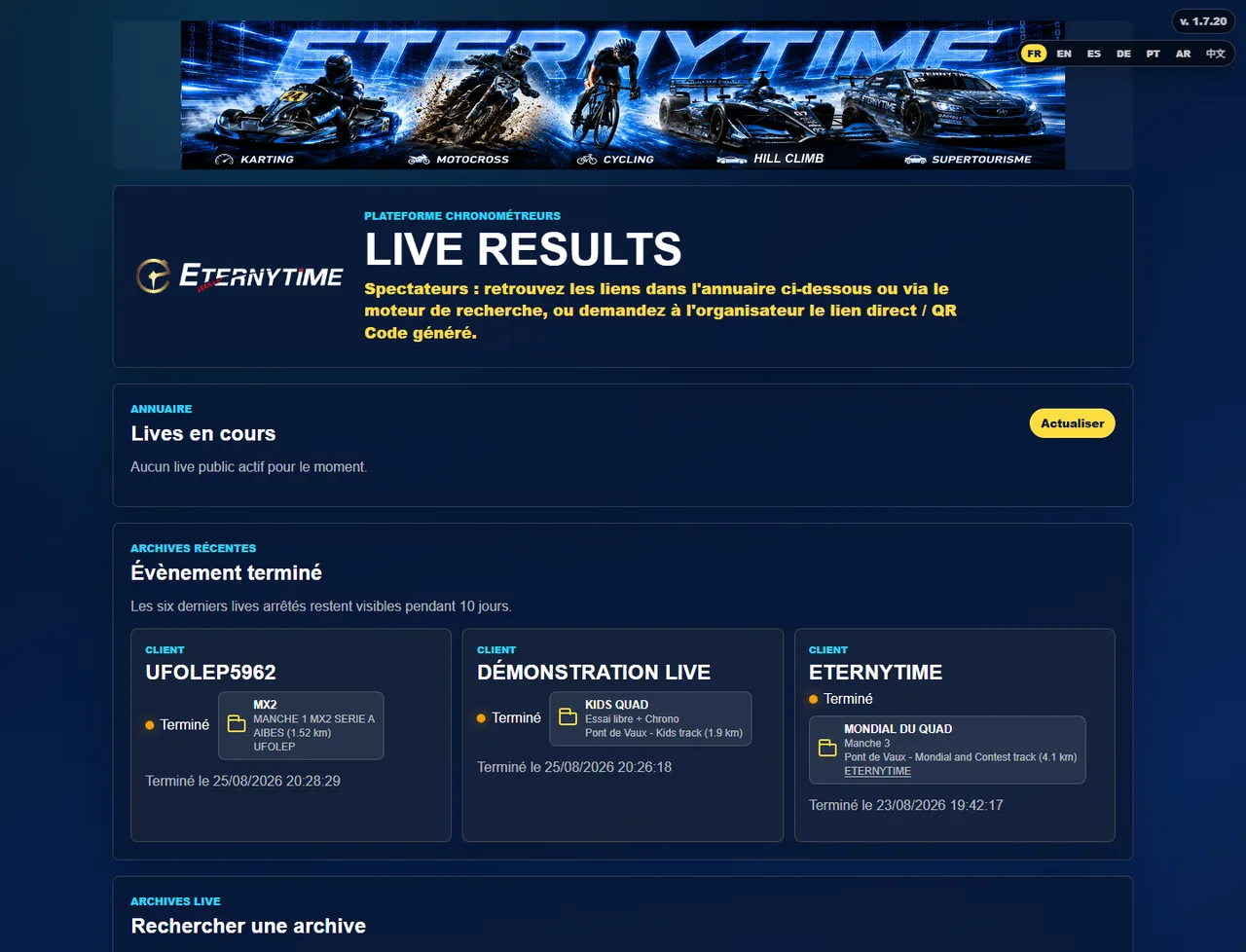
ETERNYTIME LIVE replaces the old direct publishing principle from Elite V3: Live Uploader listens to Broadcast, checks race data and sends the live feed to live.eternytime.com.
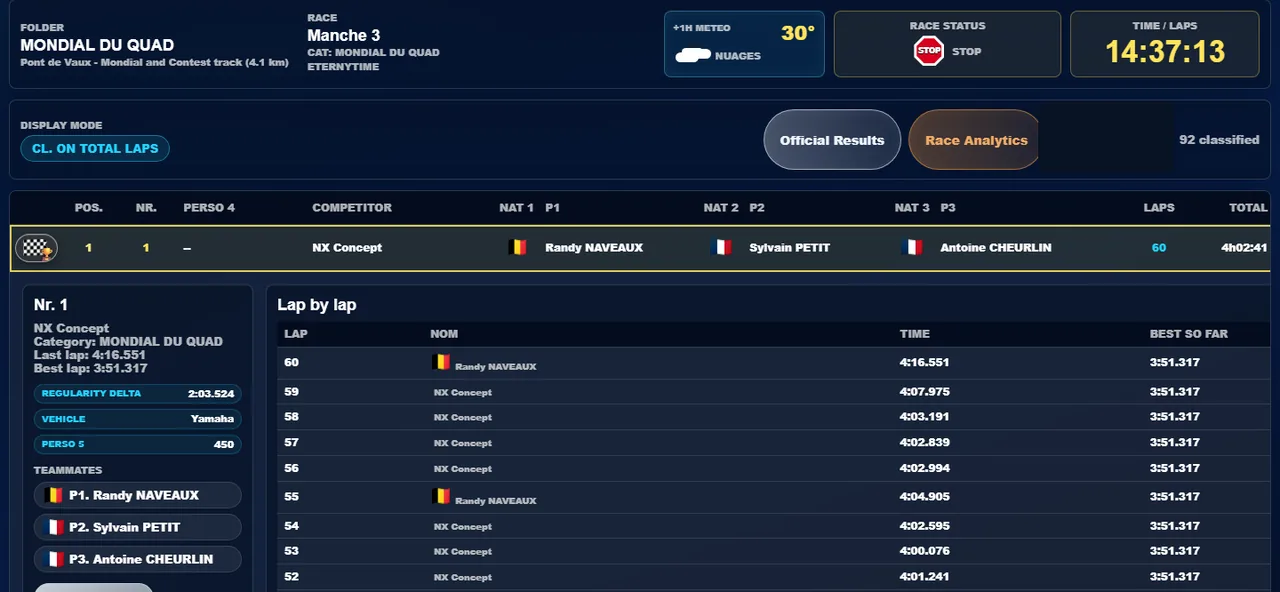
Official results
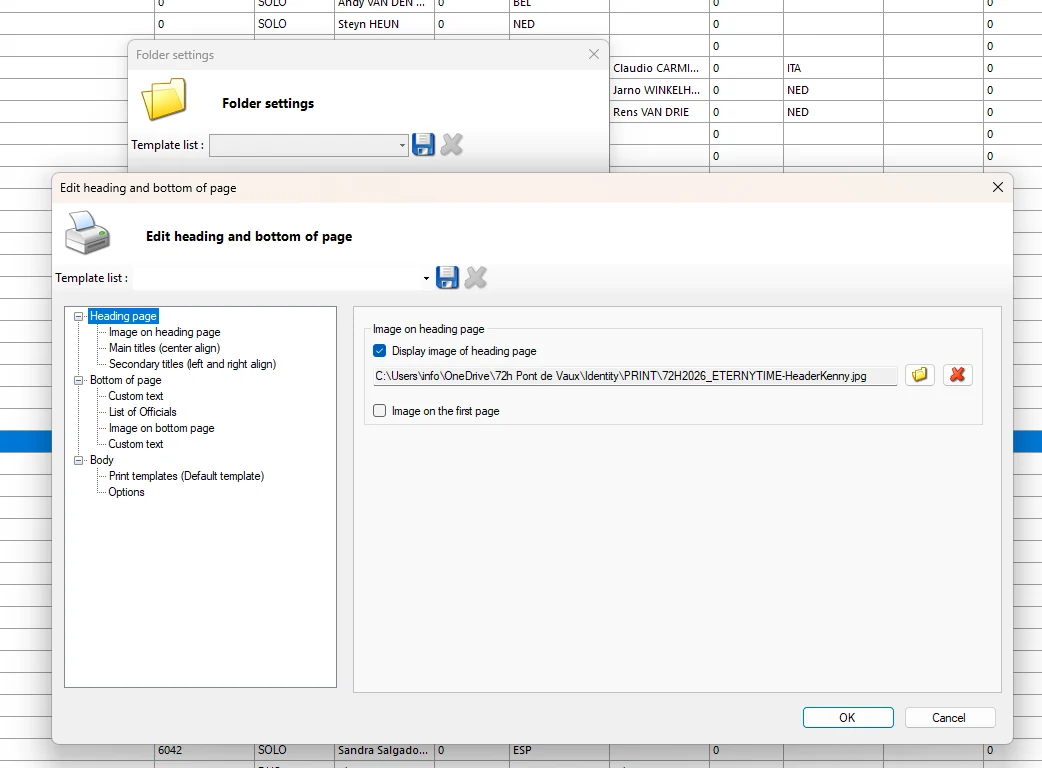
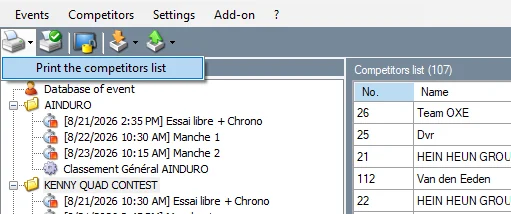
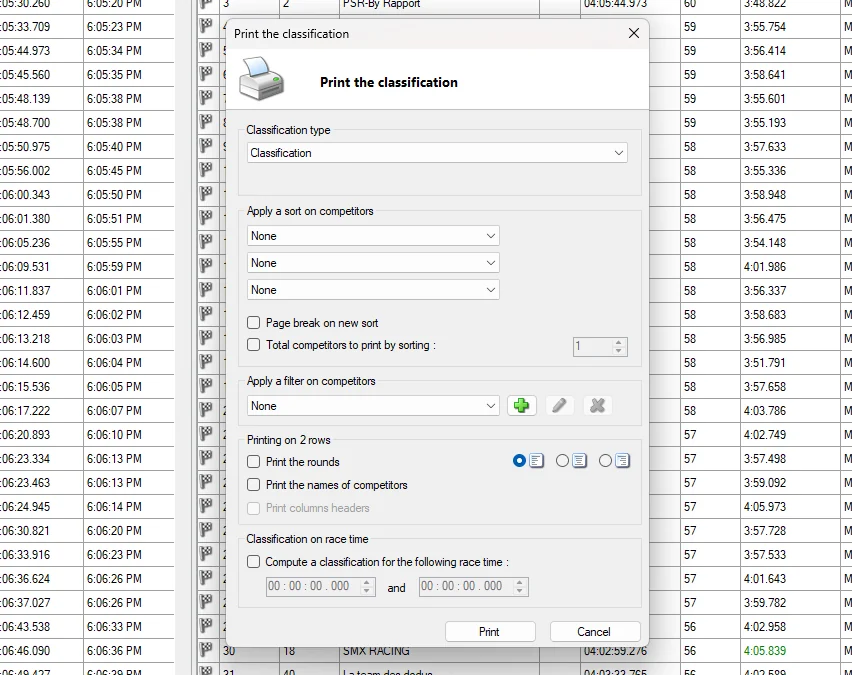
Prints should be prepared like official outputs: column choice, filters, logo, footer, precision and ranking type. Recent versions improve templates, automatic PDF naming and LapCharts.
Overall, category, class, group, team, best lap or best sector depending on the sporting format.
Detailed check of detections, PIT IN/PIT OUT, Joker loops, gaps and possible penalties.
Line layout, one-page output, vertical offset and pit-lane starters if needed.
Calculate cumulative results, championships, regularity, points tables and tie-breaks.
Print settings can be customized for each folder: page banners, titles, columns and font sizes. After any change, remember to save the template for the folder.
Important: templates may be saved in different directories depending on the race mode, for example best-lap templates for free practice and qualifying, or lap-count templates for races.
Additional modules
Depending on licence and equipment, Elite V3 can go beyond classic circuit timing. This guide keeps these uses in separate chapters to avoid mixing procedures.
Race-control module to view key information, trigger or prepare messages, follow flags and share instructions with timing stations.
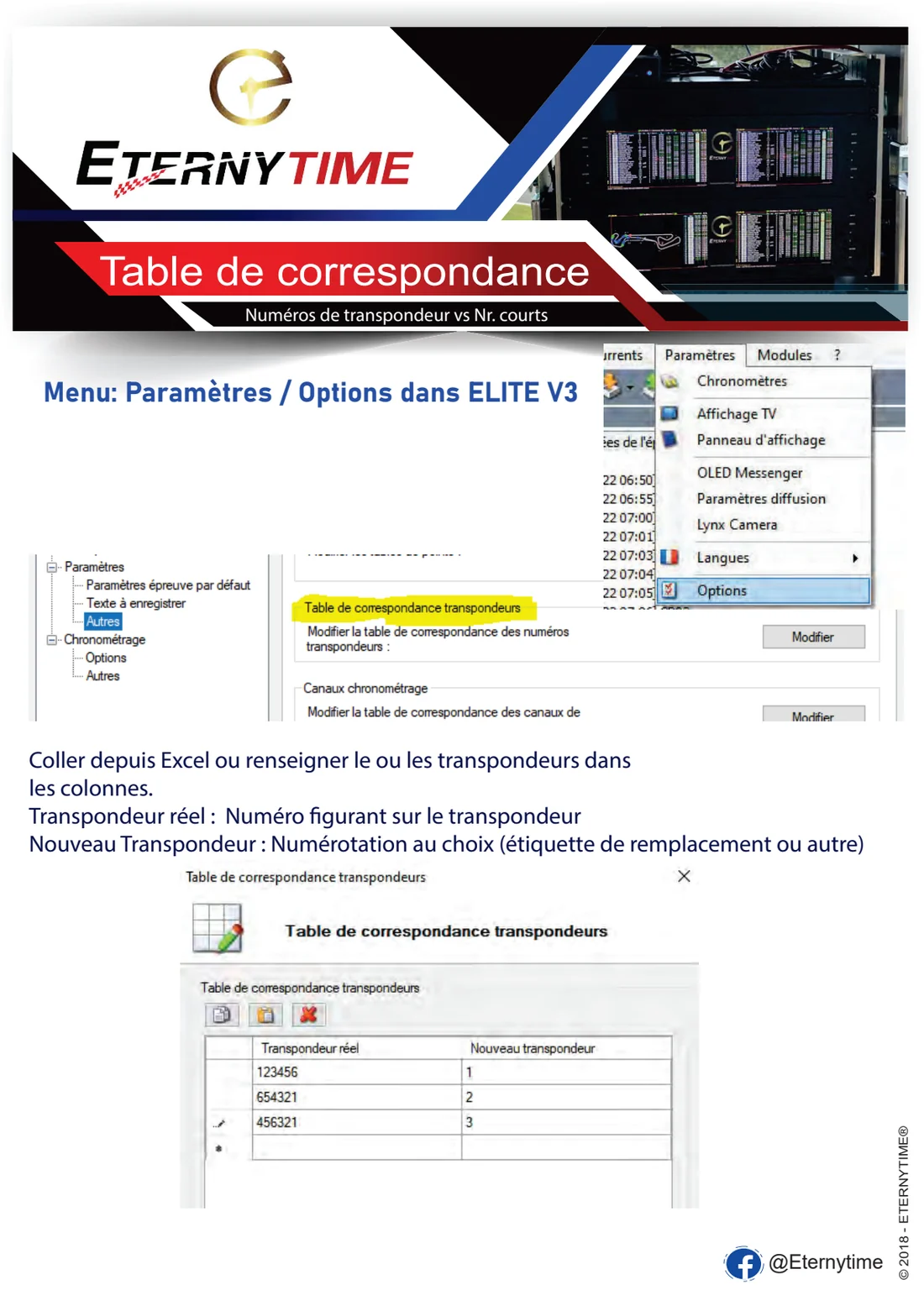
Remote detections, correspondence tables, time controls, neutralizations and results adapted to disciplines with multiple checkpoints.
Points calculation, cumulative results, tie-breaks, team grouping and best-heat handling according to regulations.
Live Uploader, RemoteDisplay, display panels and Broadcast protocols to separate sporting operations from public restitution.
Before calling support
Most incidents come from a decoder connection, incomplete competitor import, incorrectly assigned channel or untested Broadcast / Live Uploader link.
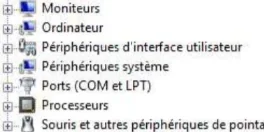
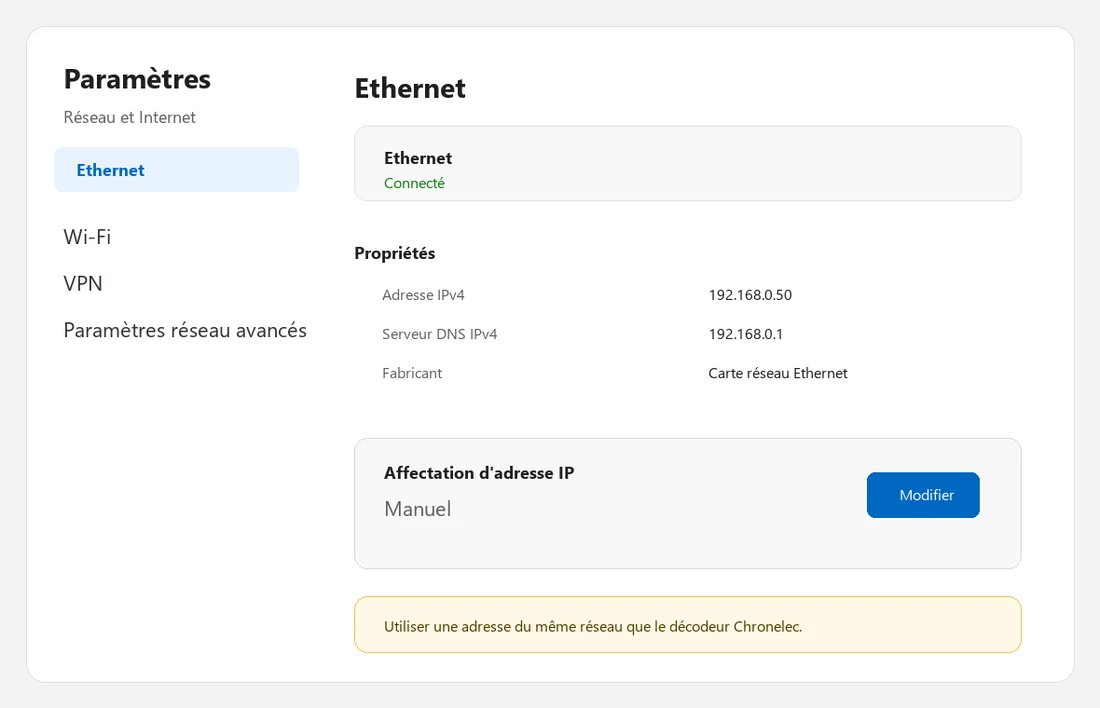
Check IP, cable, Wi-Fi, firewall, network range and power. Relaunch network detection from Elite V3 tools before changing race configuration.
Check intermediates, transponder battery, STA channel, backup loops and automatic missed-detection options.
Check that Live Uploader is running and connected, that the Broadcast port matches Elite V3, that ETERNYTIME LIVE templates are selected and that a test detection reaches the race.
Review category, class and group columns in the competitor database, then recalculate the race or merge according to the expected result.
Check the column template, applied filter, precision, print type and folder header/footer. If the preview or PDF output does not open in Elite V3, make sure a PDF printer is installed, such as Microsoft Print to PDF or another PDF editor. In Windows, also check that Microsoft Print to PDF appears in the printer list or is enabled in Windows features, clear the print queue if needed, then fully close and restart Elite V3.
Elite V3 updates
Synthetic reference from the official Chronelec file. The current version shown is 3.9.45.
Current version
Version marker
Version marker
Version marker
Version marker
Version marker
Version marker
Version marker
Version marker
Version marker
Version marker
Timing assistance
ETERNYTIME can help prepare folders, configure live.eternytime.com, secure transponder workflow, publish results and deploy displays for timed events.